How to set up Grokbot for a small business
A practical guide for small business owners on deploying Grok Bot for task automation, including multi-agent setup and ecosystem integration.
By 5050AI ·
Key takeaways
- Grok Bot assists with key business areas like sales, customer support, and administrative management.
- A multi-agent approach allows a primary 'Chief of Staff' bot to delegate tasks to specialized sub-agents.
- Integration is achieved through connectors that link the bot to platforms like Google Drive, Gmail, and Salesforce.
- Successful deployment requires clear role definition and consistent human review of AI-generated work.
Setting up Grok Bot involves configuring your environment to act as an operational assistant capable of handling sales prospecting, website building, and routine customer support tasks (Preuve.ai). To begin, ensure you have an active Cursor individual or team plan, as these tiers include the necessary access to Grok Bot (Cursor).
Understanding the Role of Grok Bot in Small Business
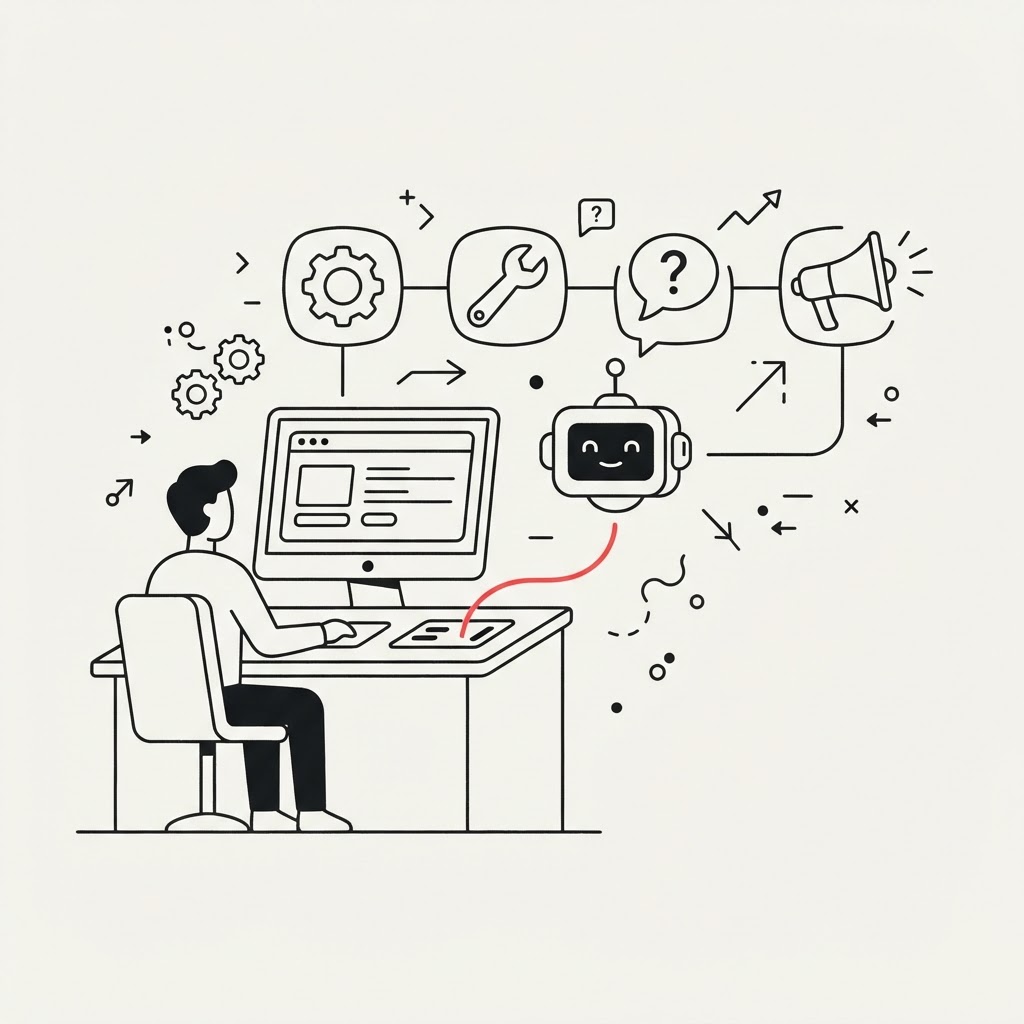
Grok Bot functions best when utilized within a structured framework. Rather than assigning every task to a single entity, consider employing a multi-agent architecture where a 'Chief of Staff' bot manages and delegates specific responsibilities to specialized sub-agents (MindStudio). If you are new to this concept, What is an AI Agent? A Crash Course for Business Owners provides the foundational knowledge needed to start. You can learn to break complex jobs down into narrow, specialized sub-agents! to ensure higher quality output across different departments.
Getting Started: Setup and Prerequisites
To begin deployment, you must download and configure the required desktop application (Cursor). Once installed, the most critical step is defining your bot's role with precision (Cursor). Before scaling, it is helpful to understand the foundational steps for any deployment, which you can review in How to Set Up an AI Agent. Always maintain a process for reviewing the bot’s work, as oversight remains essential for maintaining business standards (Cursor).
Integrating with Your Business Ecosystem
For an AI assistant to be truly effective, it must access your existing data. Grok connectors allow you to link the bot directly to tools including Google Drive, Gmail, Outlook, Microsoft Teams, SharePoint, and Salesforce (xAI). When selecting your first integration, refer to How small businesses can pick their first AI agent to prioritize the systems that offer the greatest time-saving potential.
Common Pitfalls to Avoid
Small businesses often struggle by attempting to automate too much before validating the bot's accuracy (Preuve.ai). Avoid the temptation to let the agent work entirely unsupervised. Furthermore, stay mindful of your plan constraints, as mismanaging these can lead to unexpected interruptions in service (Cursor). By focusing on validating small, routine tasks first, you can build a stable foundation for more complex automation later.
Frequently asked questions
Do I need technical skills to set up Grok Bot?
While it requires configuring a desktop application and defining roles, it is designed for operational use rather than pure software development; however, a basic understanding of your business processes is necessary for successful setup.
Can Grok Bot replace my entire support team?
Grok Bot is intended to assist with tasks such as customer support, but it should not be treated as a total replacement. It works most effectively as a partner that requires human review and oversight of its outputs.